|
|
| Line 1: |
Line 1: |
| [[File:PvE-LT-Season4.png]] | | [[File:PvE-LT-Season7.png]] |
|
| |
|
| __TOC__ | | __TOC__ |
| = Server Info = | | = Server Info = |
| == Version == | | == Version == |
| The current season opened on November 29, 2021 running the modpack - All of Fabric 4 - 1.17.1 | | The current season opened on April 14, 2023 running the modpack - Skyfactory 4 |
|
| |
|
| You can connect at <code>pve.limeterracotta.com</code> | | You can connect at <code>pve.limeterracotta.com</code> |
|
| |
| == Graylist ==
| |
| This server is currently running in graylisted mode, meaning any user can join the world but only approved members can build or interact with items.
| |
| If you wish to be added to the list of approved users please contact Silversunset#9967 in [https://discord.gg/v52p99h discord]
| |
|
| |
|
| = Client Mod Adjustments = | | = Client Mod Adjustments = |
| Some mods have been updated from the AOF4 install and will need to be added manually:
| | None at this time |
| * [https://drive.google.com/file/d/1xRnLOefGr8ZHMY3KZlKCdquJi8aVtdNo/view?usp=sharing BetterNether 5.13]
| |
| * [https://cdn.discordapp.com/attachments/621110752664748062/922248173618090005/BeaconOverhaul-1.4.31.17.jar Beacon Overhaul]
| |
| * [https://cdn.discordapp.com/attachments/621110752664748062/929440891838541884/dankstorage-2.2.2-1.17.1.jar Dank Storage] (Fixes client crash when filling buckets)
| |
|
| |
|
| = Season Information = | | = Season Information = |
| * Season 4 Spawn was created by Sir_Didymus and Bermudalocket | | * Season 7 Spawn was created Bermudalocket |
| * Phantoms have been disabled globally, membranes will continue to drop from zombies when killed by players
| |
|
| |
|
| == Map Information == | | == Map Information == |
| * The '''Overworld''' is a 5k radius (10k x 10k) generated by Terralith
| | n/a |
| * The '''Nether''' is a 5k radius (10k x 10k) generated by Incendium but later replaced with BetterNether
| |
| * The '''End''' is a 5k radius (10k x 10k) generated by BetterEnd
| |
| | |
| = Custom Recipes & Trades =
| |
| | |
| == Custom Recipes ==
| |
| === 1.17 Missing Items ===
| |
| Due to 1.17's limited generation we have added crafting recipes for new items that cannot generate naturally in the world:
| |
| <gallery mode="packed">
| |
| File:small_dripleaf.png|Dripleaf
| |
| File:spore_blossom.png|Spore Blossom
| |
| File:moss_blocks.png|Moss Block
| |
| </gallery>
| |
| | |
| === Missing Items ===
| |
| We have also added crafting recipes for things that just...should exist.
| |
| <gallery mode="packed">
| |
| File:trident.PNG|Trident
| |
| File:Quartz.png|Quartz crystals from blocks
| |
| File:Amethyst_breakdown.png|Amethyst crystals from blocks
| |
| File:Shulker2.png|Inventory (Shapeless) shulker boxes
| |
| File:Shulker3.png|Inventory (Shapeless) shulker boxes from logs
| |
| File:Elytra.png|Elytra
| |
| </gallery>
| |
| | |
| === Lazy Crafting ===
| |
| Have you ever needed to make a HUGE number of [insert thing here] but didn't feel like tediously breaking down raw materials first. Now introducing the LazyCrafting™ system!
| |
| | |
| Type <code>/allrecipes</code> in-game and they will all be added to your recipe book!
| |
| | |
| <gallery mode="packed">
| |
| File:redstone_torch_from_block.PNG|Redstone torches from redstone blocks
| |
| File:torch_from_block.PNG|Torches from coal blocks
| |
| File:book_from_sugar_cane.PNG|Books from sugar cane
| |
| File:bread_from_hay_block.PNG|Bread from hay bales
| |
| File:bucket_from_iron_block.PNG|Buckets from iron blocks
| |
| File:chest_from_logs.PNG|Chests from all log types
| |
| File:sticks_from_logs.PNG|Sticks from all log types
| |
| File:door_from_iron_block.PNG|Doors from iron blocks
| |
| File:door_from_logs_oak.PNG|Doors from all log types
| |
| File:fence_from_logs_oak.PNG|Fencing from log types
| |
| File:fence_gate_from_logs_oak.PNG|Fence gate from log types
| |
| File:stairs_from_logs_oak.PNG|Stairs from all log types
| |
| File:slab_from_logs_oak.PNG|Slabs from all log types
| |
| File:Trapdoor_from_logs.png|Trapdoors from all log types
| |
| File:Hopper-from-logs.png|Hopper from all log types
| |
| File:BoneBlock.PNG|Bone block from bones
| |
| File:Dripstone.png|Pointed dripstone from dripstone block
| |
| </gallery>
| |
| | |
| = Nether Portals =
| |
| Nether portals have returned to strictly vanilla mechanics. HOWEVER this means you may potentially create a nether portal that drops you outside of the world border when going from the nether -> overworld.
| |
| | |
| <span style="color:red;">If you die past world border due to invalid portal placement your inventory may not be restored to you. You are responsible for safe portal placement.</span>
| |
|
| |
|
| Generally as long as your x/z coords are less than ±625 in the nether you should be fine.
| | == Commands == |
| | {| class="wikitable sortable" |
| | ! style="white-space: nowrap;" | Mod |
| | ! style="white-space: nowrap;" | Command |
| | ! style="white-space: nowrap;" | Effect |
| | |- |
| | | style="white-space: nowrap;" rowspan="7" | Topography |
| | | style="white-space: nowrap;" | <code>/tofe [option]</code> |
| | | style="white-space: nowrap;" | Allows you to interact with someone elses island (join, leave, etc) |
| | |- |
| | | style="white-space: nowrap;" | <code>/tofe invite</code> |
| | | style="white-space: nowrap;" | Invites another player to your team, if you don't have a team one will be created |
| | |- |
| | | style="white-space: nowrap;" | <code>/tofe accept</code> |
| | | style="white-space: nowrap;" | Accepts an invite to join a team from a player |
| | |- |
| | | style="white-space: nowrap;" | <code>/tofe decline</code> |
| | | style="white-space: nowrap;" | Declines an invite to join a team from a player |
| | |- |
| | | style="white-space: nowrap;" | <code>/tofe kick</code> |
| | | style="white-space: nowrap;" | Kicks a player of your team. Only team owners can do this. |
| | |- |
| | | style="white-space: nowrap;" | <code>/tofe info</code> |
| | | style="white-space: nowrap;" | Gets the players of your team |
| | |- |
| | | style="white-space: nowrap;" | <code>/tofe forcesync</code> |
| | | style="white-space: nowrap;" | Forces a sync from another player of the team |
|
| |
|
| | |} |
|
| |
|
|
| |
|
| [[Category:PvE]] | | [[Category:PvE]] |
| [[Category:Testing]] | | [[Category:Testing]] |
Server Info
Version
The current season opened on April 14, 2023 running the modpack - Skyfactory 4
You can connect at pve.limeterracotta.com
Client Mod Adjustments
None at this time
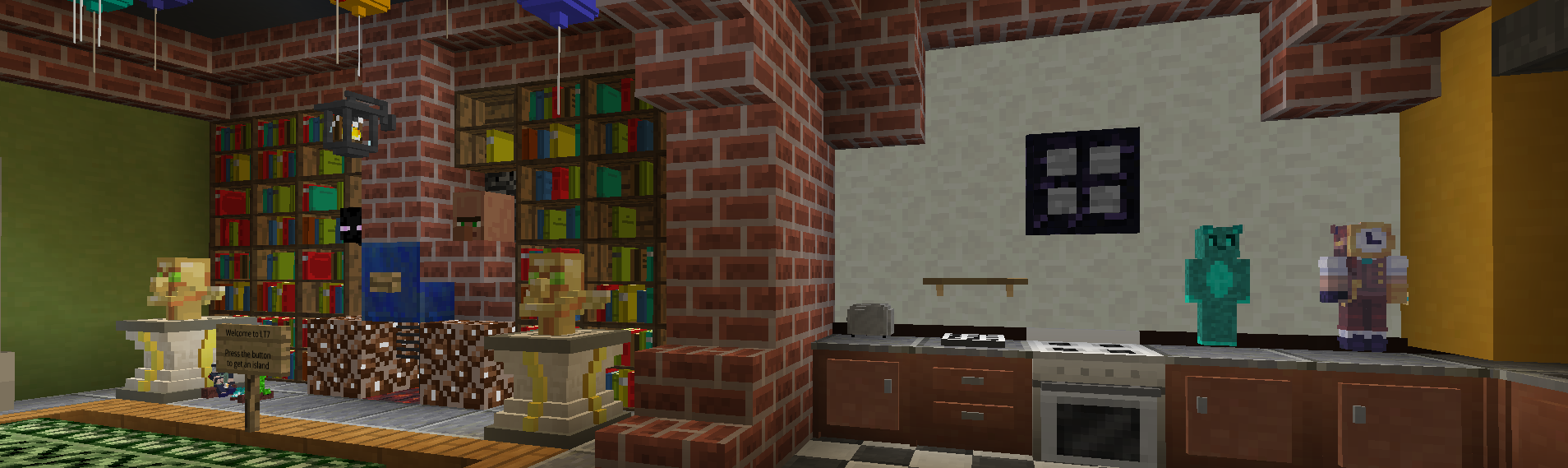
- Season 7 Spawn was created Bermudalocket
n/a
Commands
| Mod
|
Command
|
Effect
|
| Topography
|
/tofe [option]
|
Allows you to interact with someone elses island (join, leave, etc)
|
/tofe invite
|
Invites another player to your team, if you don't have a team one will be created
|
/tofe accept
|
Accepts an invite to join a team from a player
|
/tofe decline
|
Declines an invite to join a team from a player
|
/tofe kick
|
Kicks a player of your team. Only team owners can do this.
|
/tofe info
|
Gets the players of your team
|
/tofe forcesync
|
Forces a sync from another player of the team
|